
An intro to text manipulation in Linux
Almost everything is a text file in Linux.
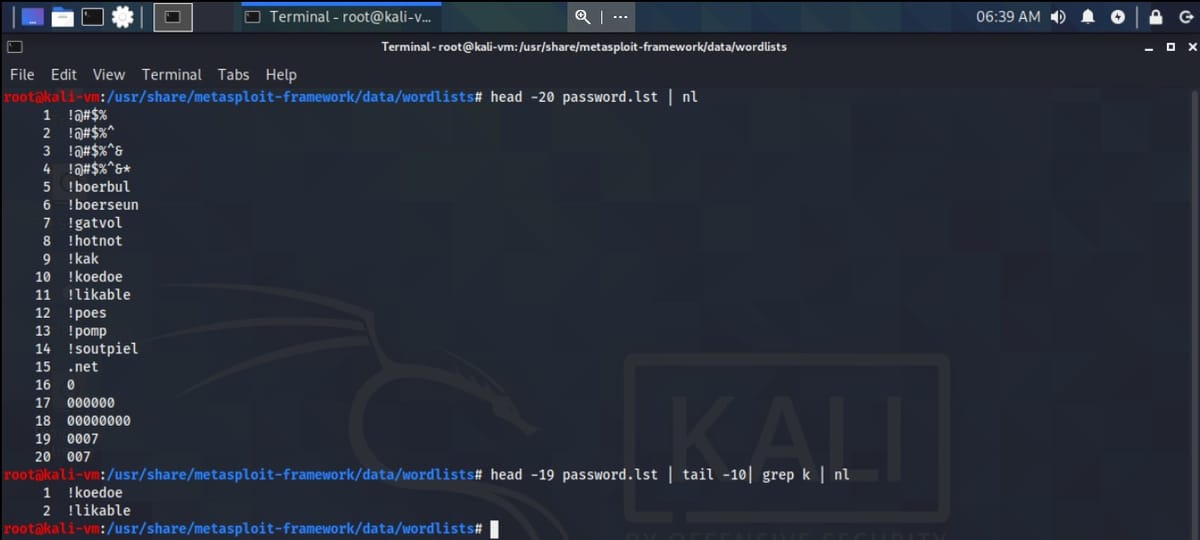
In Linux, almost everything is a text file, manipulating text is crucial. Let's take look at a few commands that will help us do so:
cat
head
tail
nl
grep
sed
more
less
The cat command
The most basic command to display text.
cat filecat /usr/share/metasploit-framework/data/wordlists/passwd.lst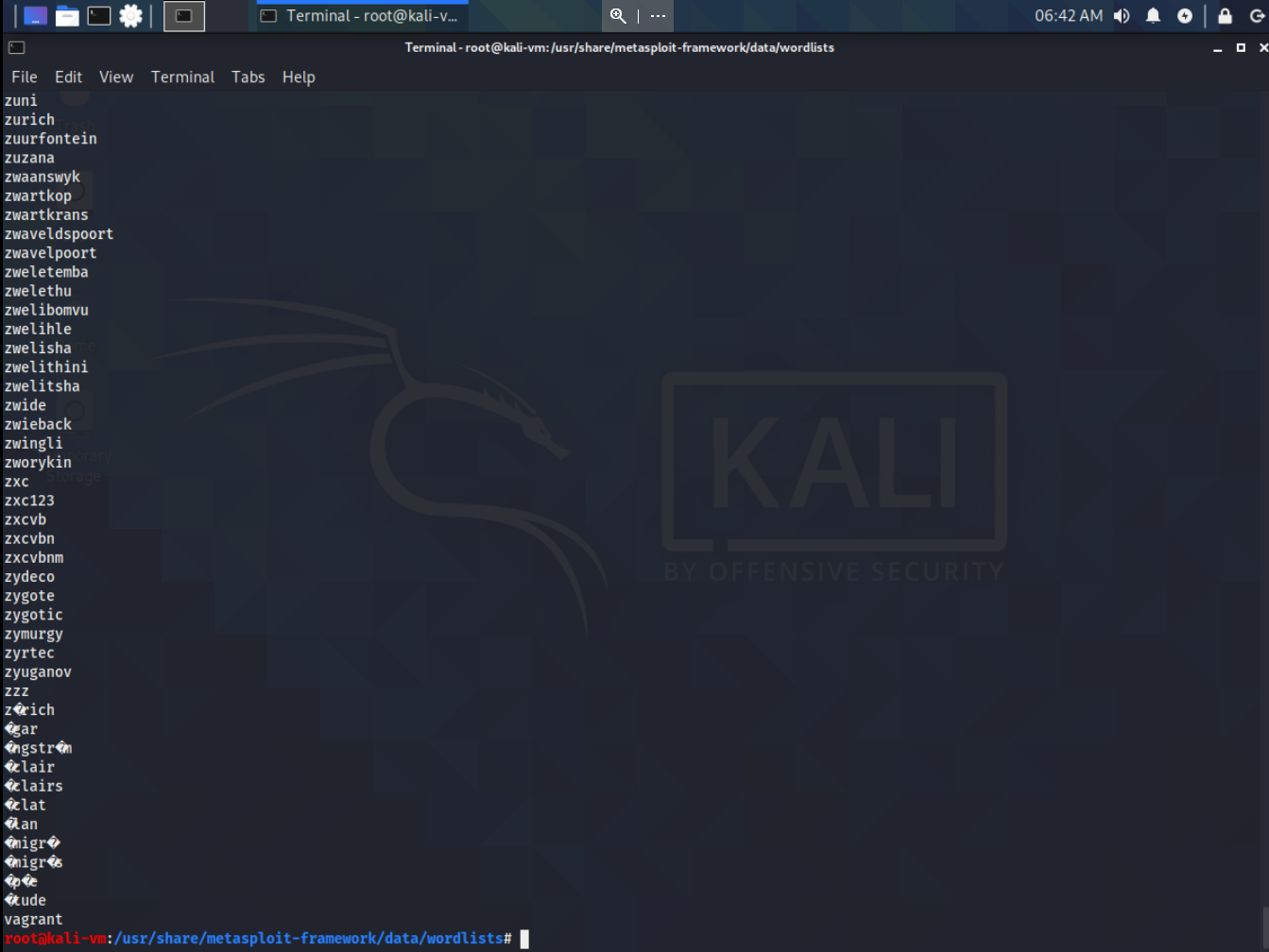
Not the most convenient tool, but quick.
The head command
This command will display the first 10 lines (by default) of a file.
head filenameIf you wanted to display a specific number of lines, specify it after the command with a -
head -20 passwd.lst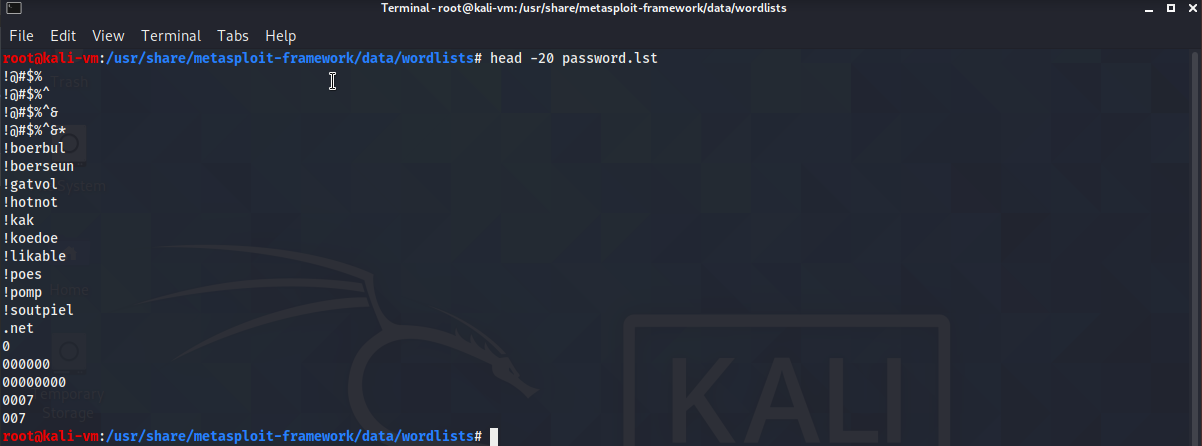
The tail command
The opposite of head, will display the last 10 lines (by default) of a file.
tail filenameIf you wanted to display a specify number of lines, specify it after the command with a -
tail -20 passwd.lst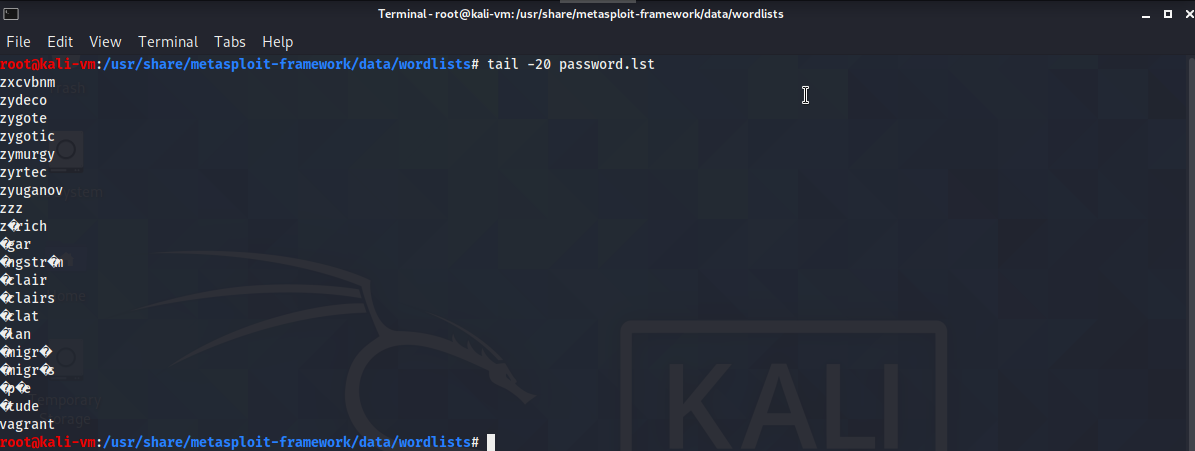
The nl command
Display a file with line numbers.
nl fileIf you pipe output to it, it makes referencing a whole lot easier.
head -35 passwd.lst | nl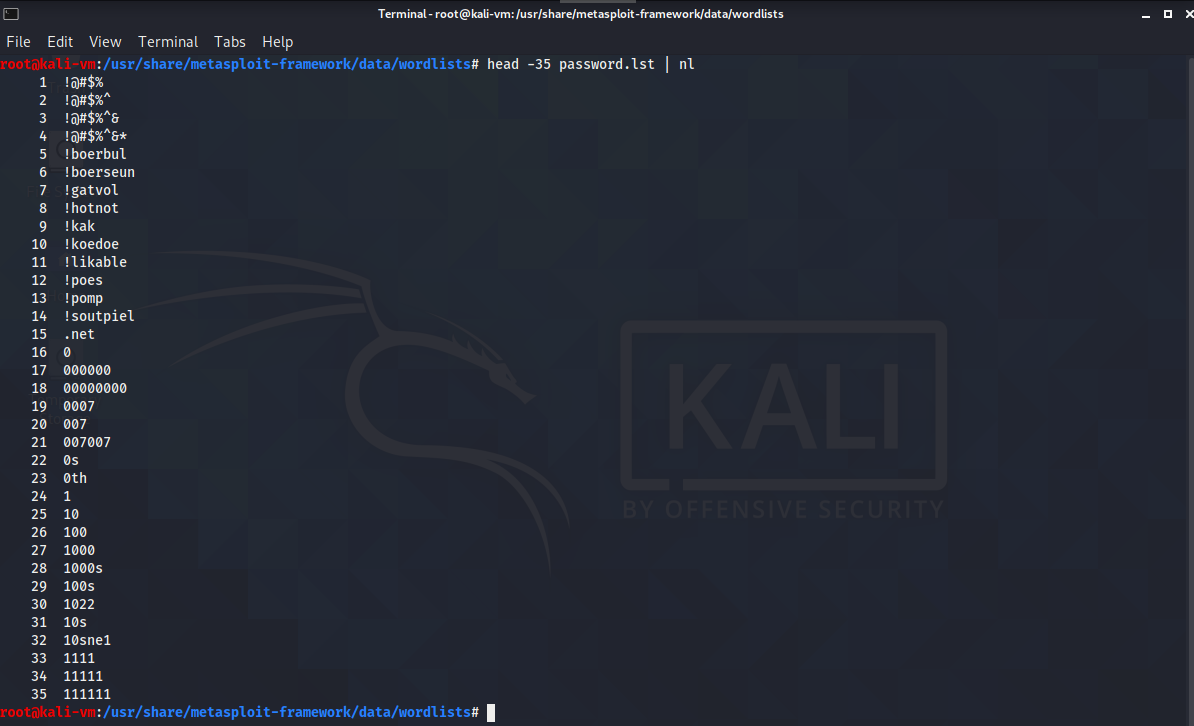
The grep command
Probably the most widely used text manipulation command. There are entire books on this single command.
cat file | grep keywordIt lets you filter content of a file for display.
cat passwd.list | grep output
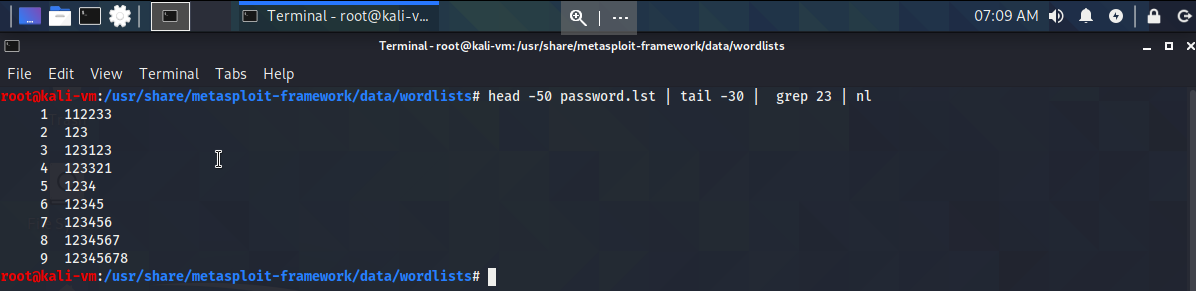
Combine it with previous commands, let's view all words from lines 20 to 50 of passwd.lst that have 23 in them
head -50 passwd.lst | tail -30 | grep 23 | nlhead -50 passwd.lstindicates we want to display the first 50 linestail -30indicts we want the last 30 lines of those 50 lines from the head command, so lines 20 - 50.grep 23will display only lines that have 23 in them.nlwill display line numbers.
The sed command
This command lets you search for occurrences of a word or a test pattern and then perform some action on it. Similar to Find and Replace in Windows. Commands in sed begin with a single letter.
s is the substitution command
echo "gwyn" | sed 's/gwyn/gps'
Let's use sed to find all the instances of mysl in the snort.conf file and replace it with MySQL and save the file as snorttest.conf in our current directory
sed s/searchterm/replacementterm/occurenceThe g here stands for global and means replace all instances of the occurrence.
sed s/mysql/MySQL/g /etc/snort/snort.conf > snorttest.conf
You can specify which occurrence of the line you want to replace by using /1, /2, etc, at the end.
Let's say we have this textfile.txt
gwyn gps
gwyn gps gps
gwyn gps gps gps
How can we only replace the second occurrence of gps with gwyneth per each line?
sed s/gps/gwyneth/2 textfile.txt > sample.txt

Now what if we wanted to replace the second occurrence in only the third line? We can preface the s command with a number to indicate that.
sed 3s/gps/gwyneth/2 textfile.txt > sample2.txt
Let's view each occurrence of mysql in snort.conf
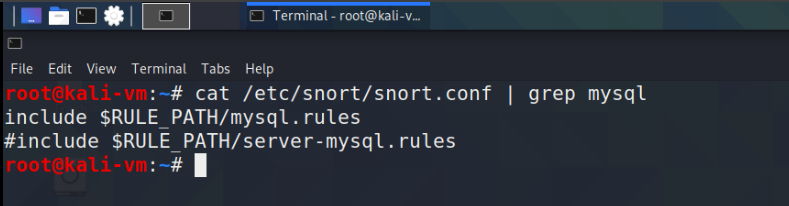
and replace the every mysql occurrence in the second line with dogs and save that to sample2.txt

The more command
Displays a page of a file at a time and lets you page down.
more filemore snort.conf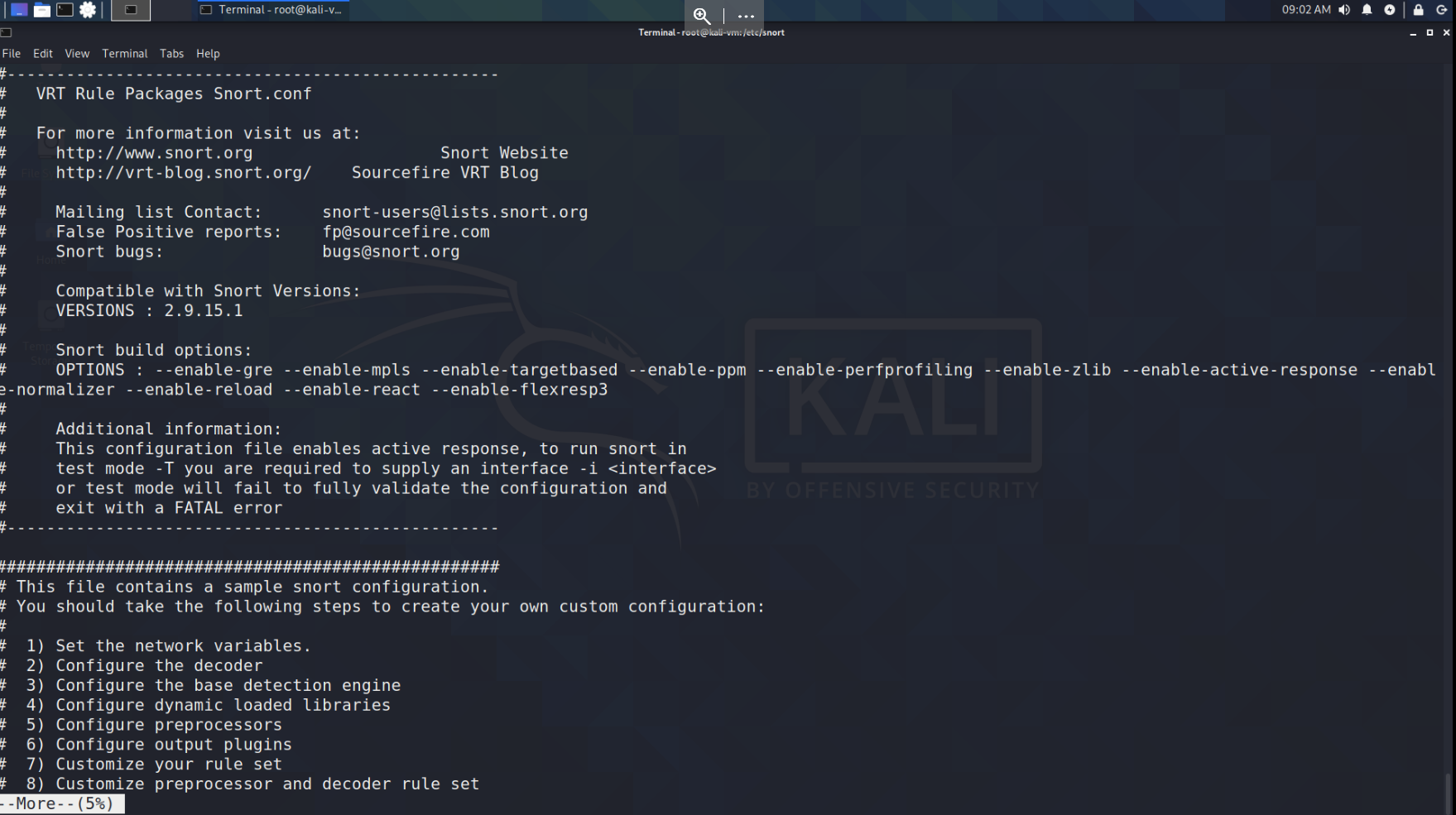
The less command
Similar to the more command, except with more utility. Less is more :)
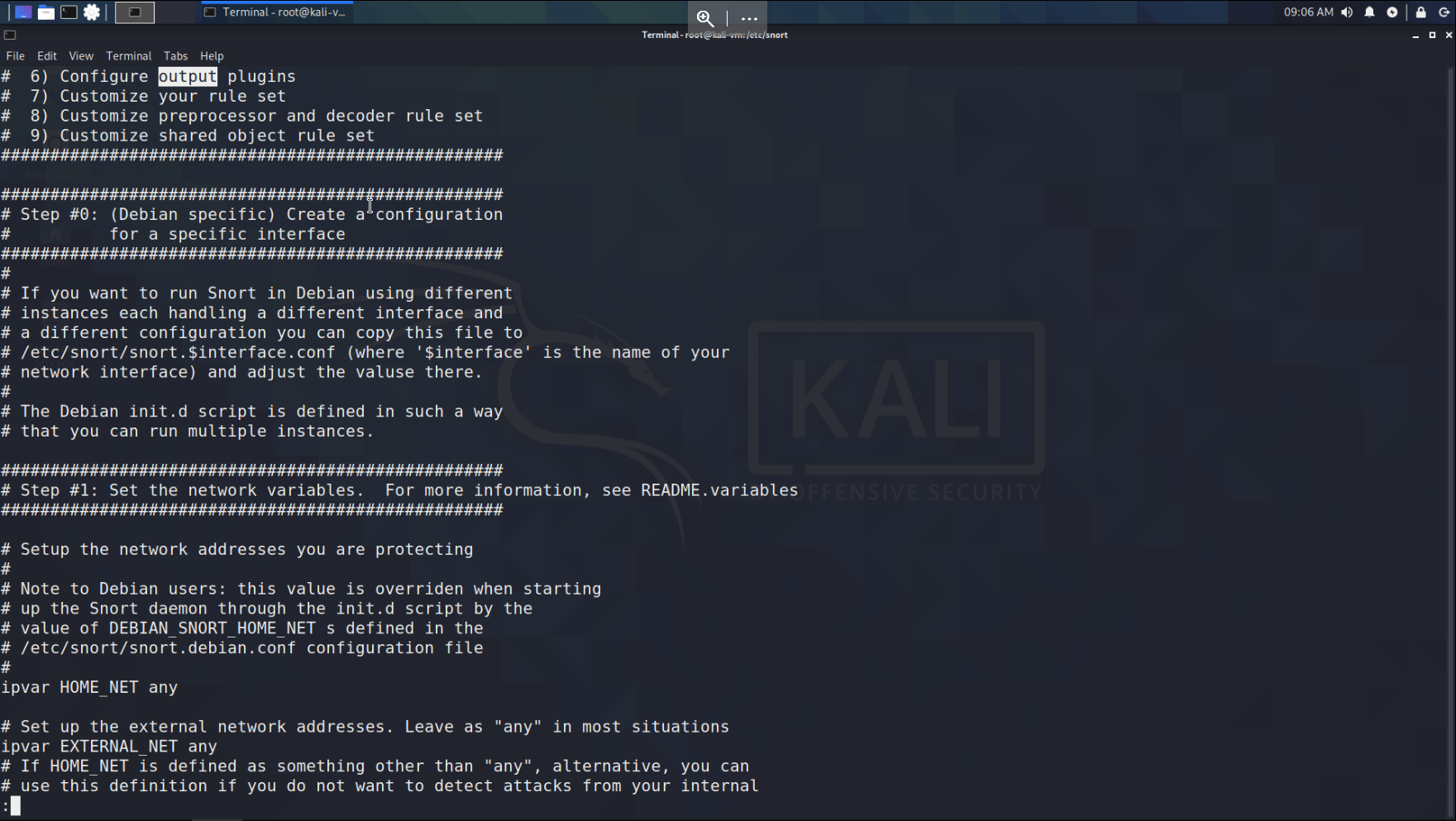
less fileIf you press the / key, less will let you search for terms in the file.
less snort.confHere I pressed / and typed option
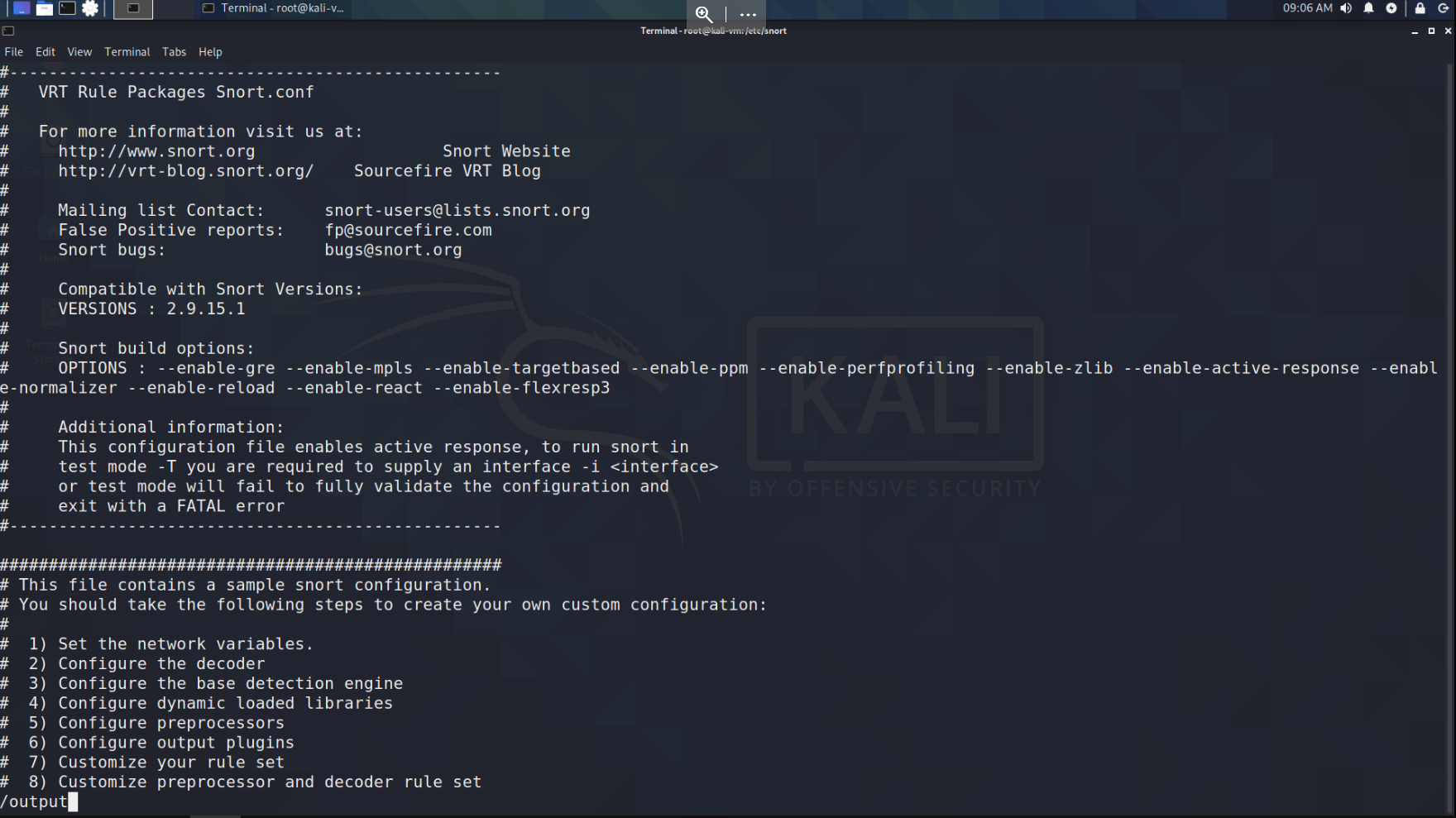
less took me to the first occurrence, hit n for next.
That's it for this one, I'm starting to finally understand the power of chaining these commands together.