
Adventures with Kali Linux on Azure #1
This image is old!
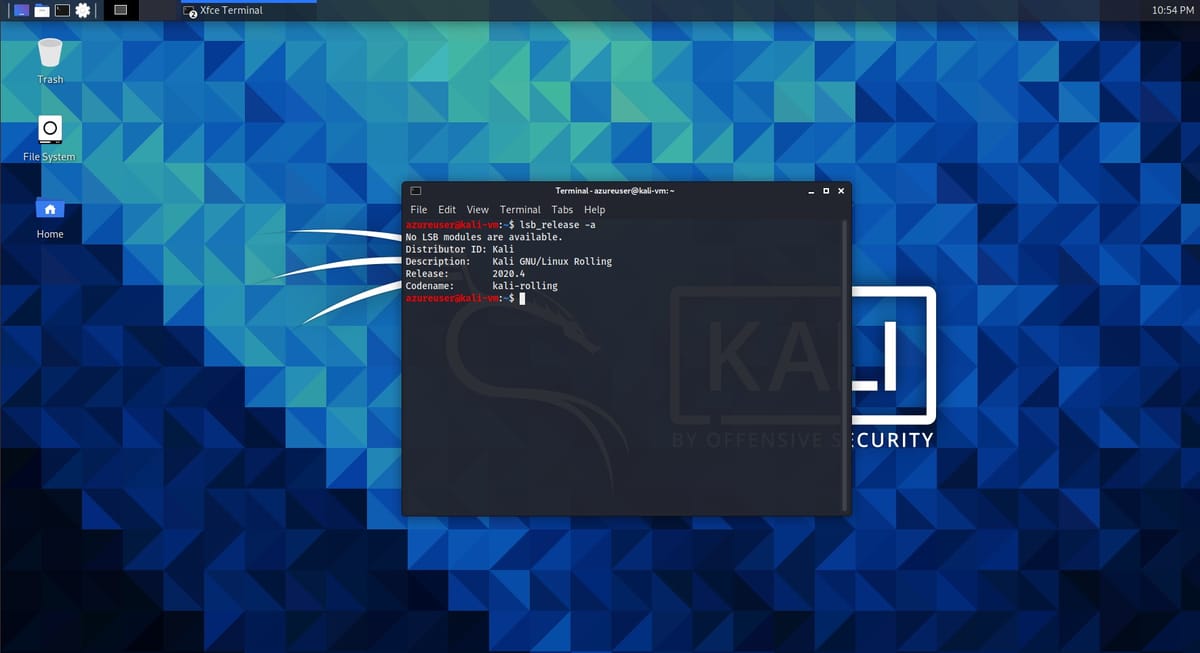
This image is old! You'll have to
wget -q -O - https://archive.kali.org/archive-key.asc | apt-key addbefore you can properly
sudo apt update
sudo apt full-upgrade
sudo apt autoremove
Shout out to this Stack Overflow post for pointing me in the right direction.
Your sources.list in
/etc/apt should be fine, if not compare it to what's in the official website and update accordingly.
Next up, so we can actually interact with the GUI, let's get xrdp.
sudo apt update
sudo apt install xrdp

sudo systemctl enable xrdp
sudo systemctl restart xrdp
That should install xrdp. Download your rdp file from your VM connect option in the Azure portal, and you should now be able to login.
A quick
lsb_release -a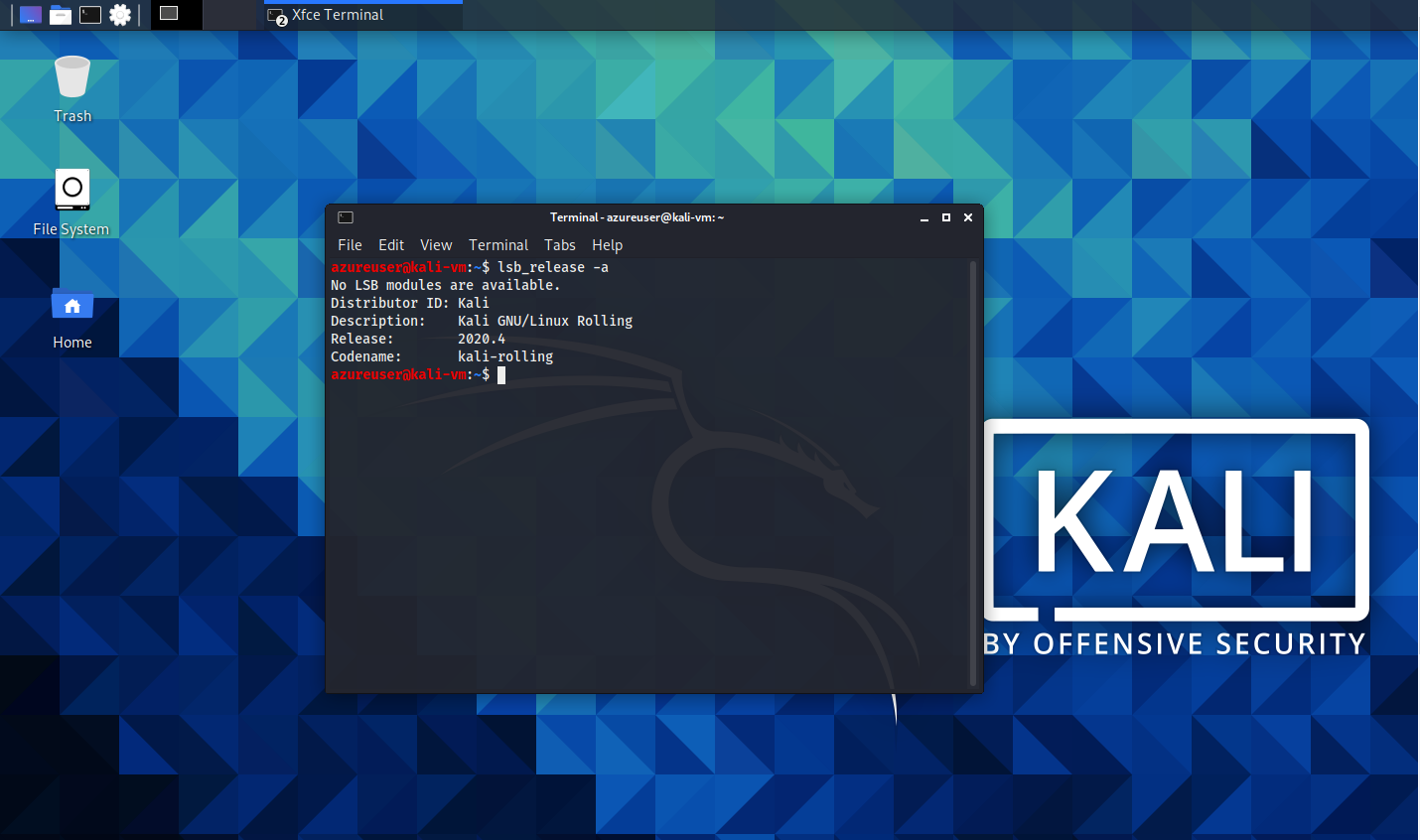
now shows us that we are on the latest version :)